AUTHORIZED TURKEY DISTRIBUTOR
QuickDesk Pro Hardware-level KVM, Remote Windows Installation, BIOS/OS Recovery & Remote PLC Maintenance
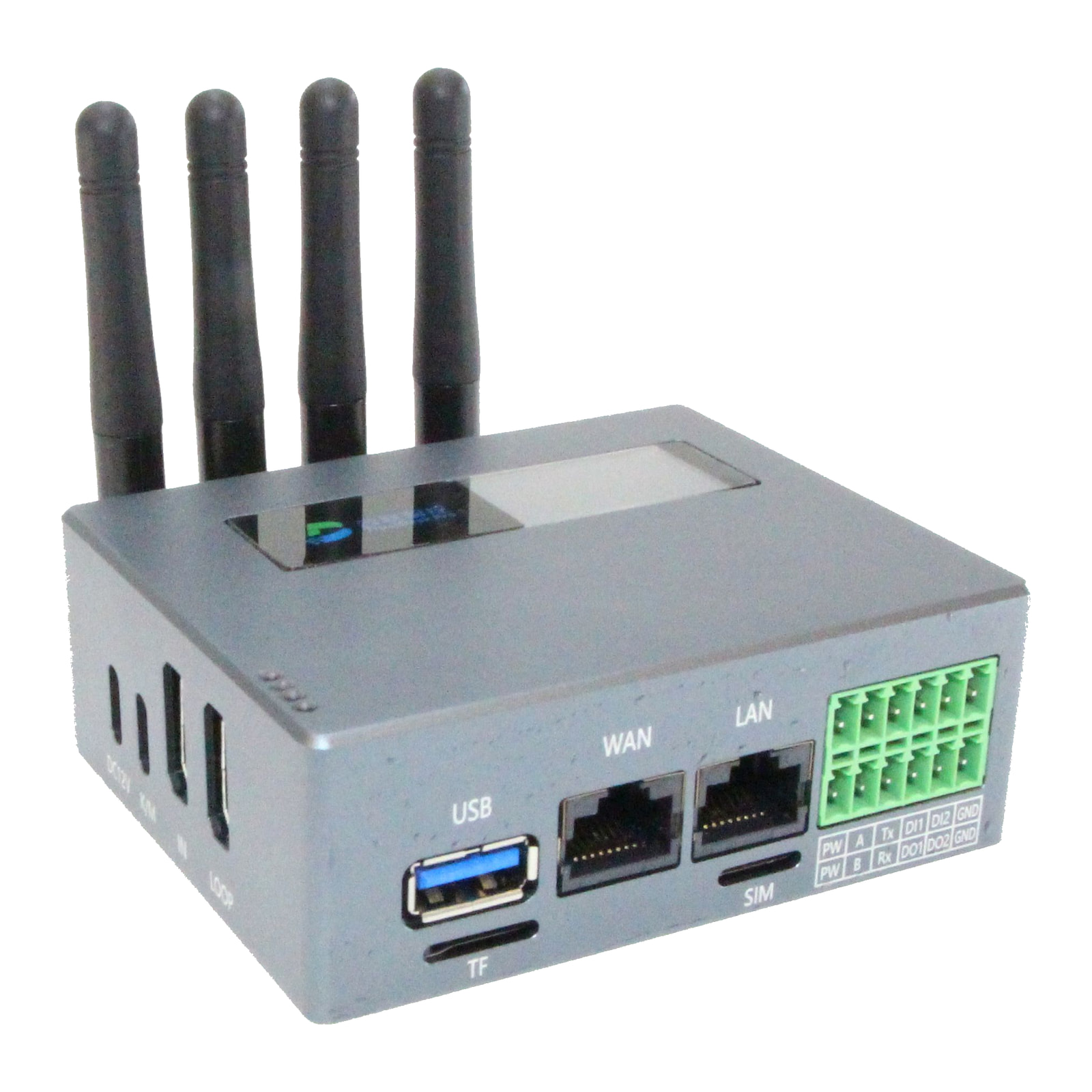
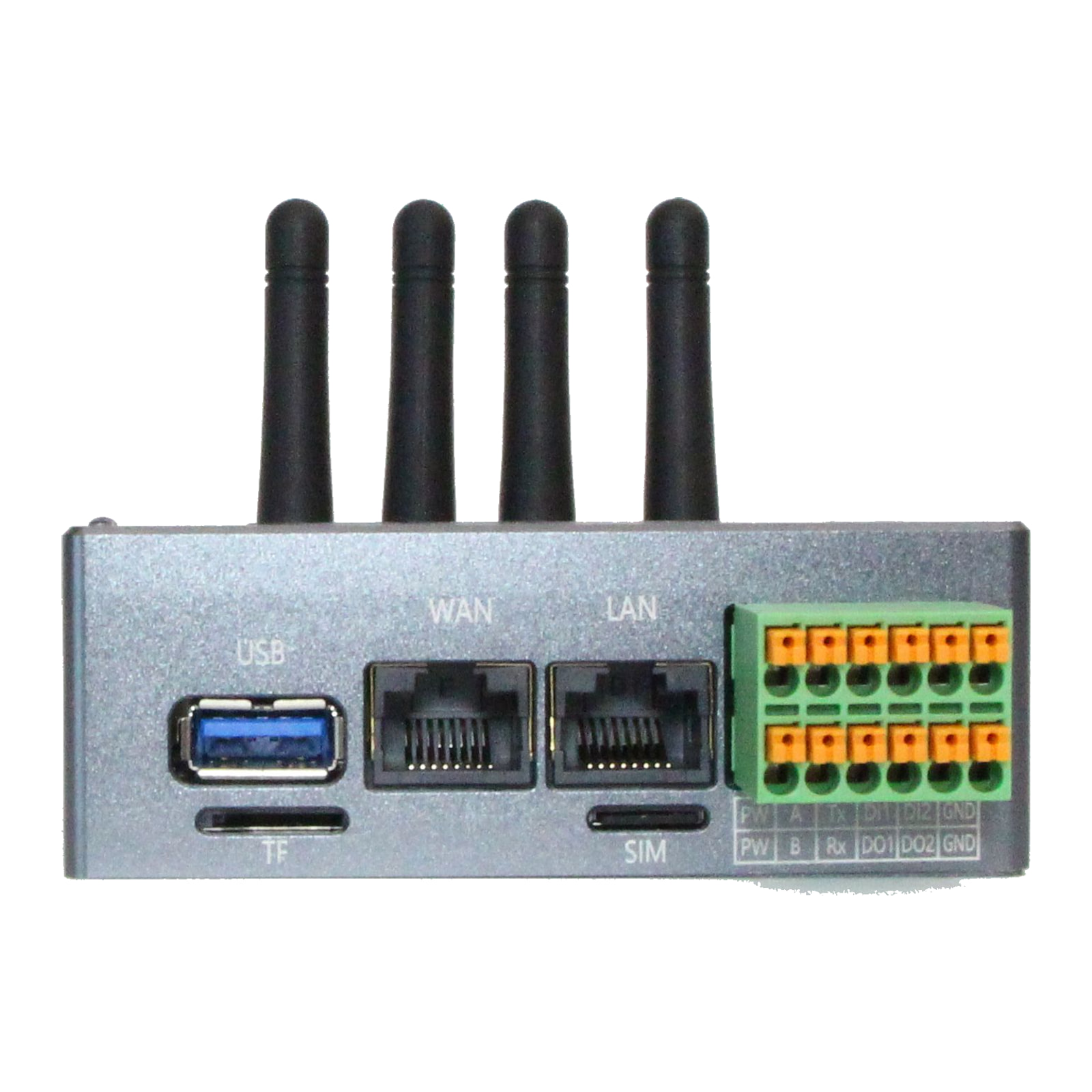
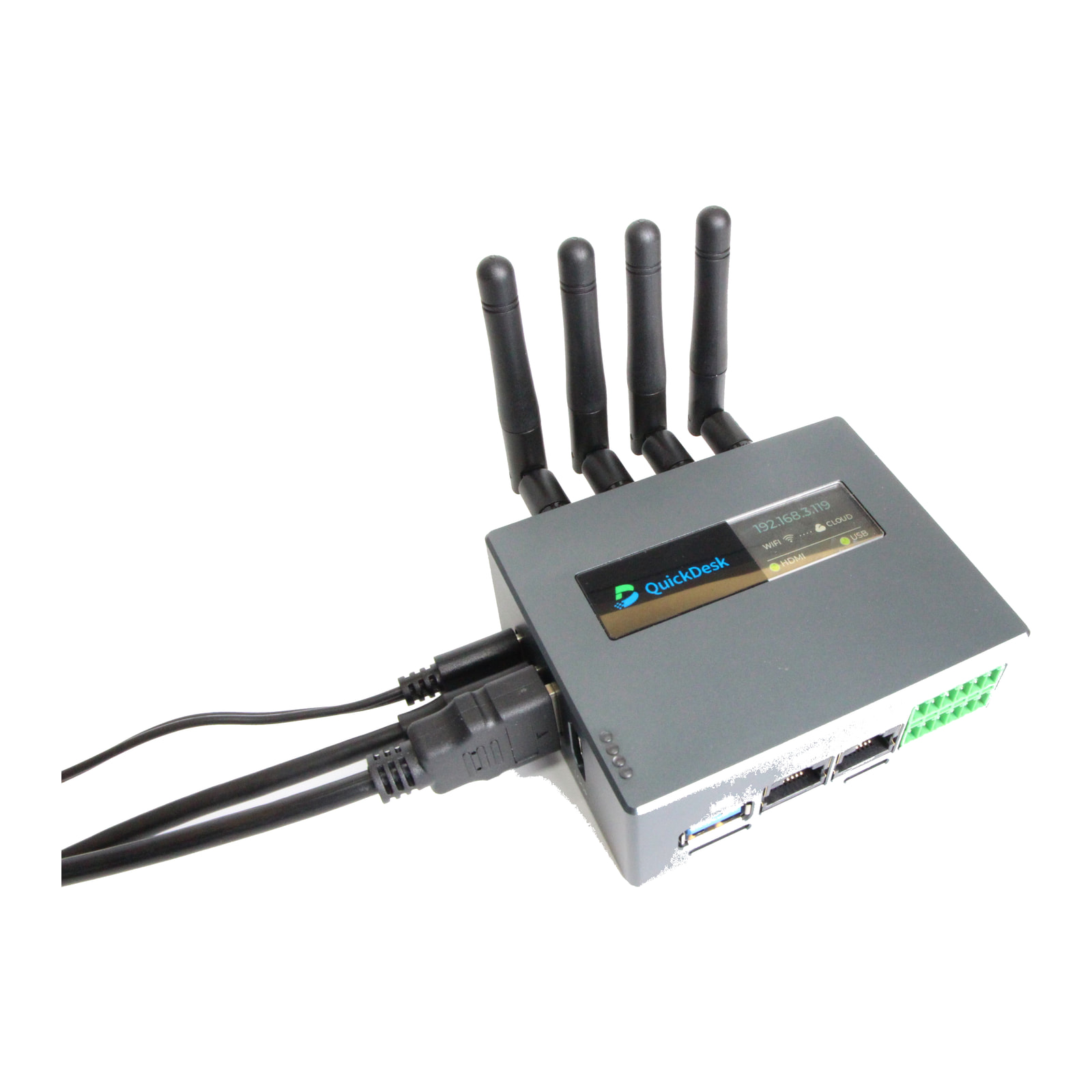
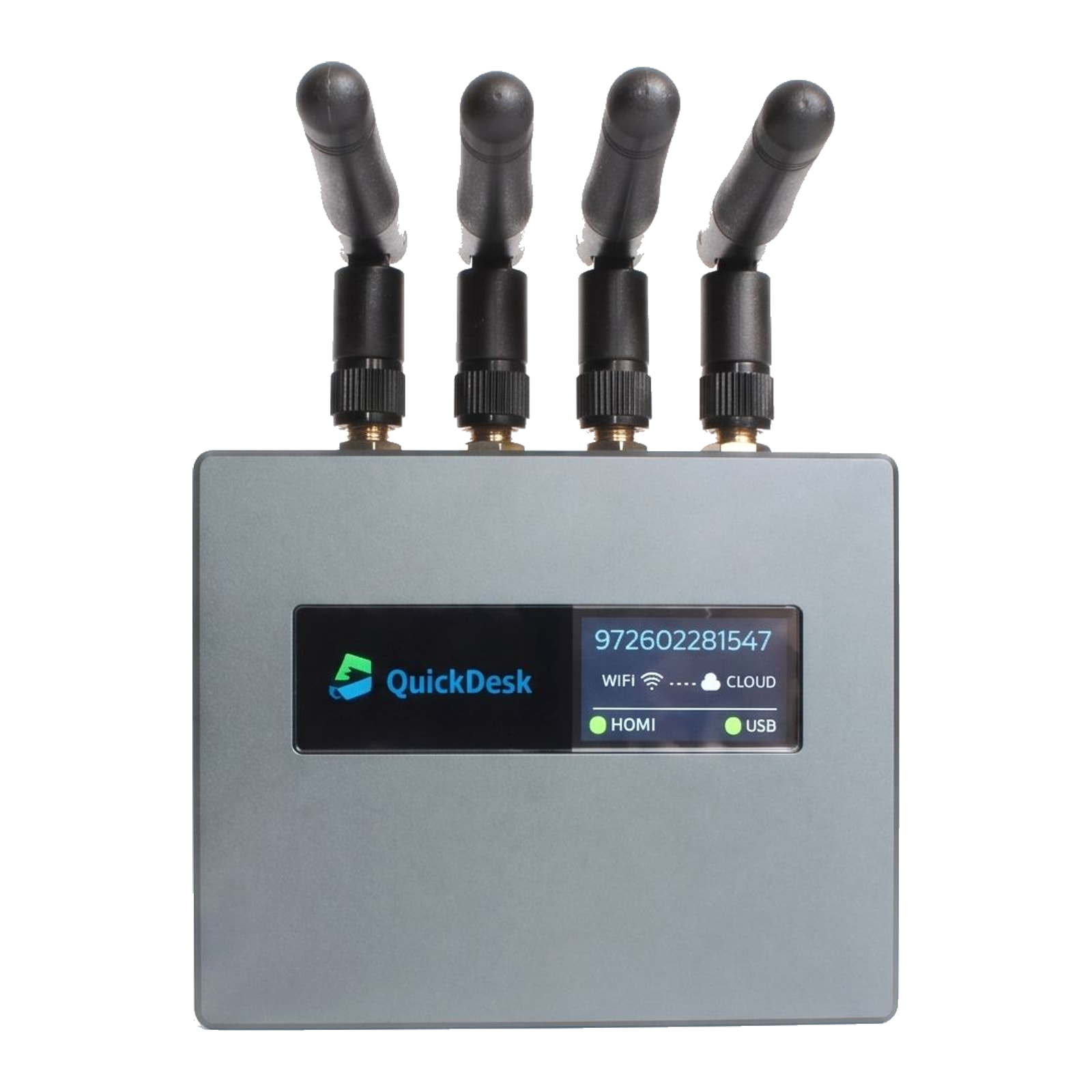
When the operating system of the engineering PC that programs your PLCs, or of a SCADA/HMI computer, does not start, shows a blue screen, or the computer hangs in BIOS, reach its screen, keyboard and mouse remotely. QuickDesk Pro connects to that computer over HDMI and USB; mount an ISO on its virtual USB drive to reinstall Windows remotely and transfer files. By connecting the PLC to the device's LAN port over Ethernet, you can also carry out direct remote PLC maintenance.
CE (RED)
RoHS 2011/65/EU
Ethernet · Wi-Fi · 4G LTE
Cloud or on-premise server
- Connects to
- The engineering, SCADA or HMI PC (HDMI + USB), or directly to the PLC (Ethernet, LAN port)
- What it gives you
- Screen, keyboard and mouse access independent of the operating system, including the BIOS/UEFI screen
- Virtual USB / ISO
- Mount an ISO image as a virtual USB drive; reinstall Windows or Linux remotely, send and receive files
- How you connect
- From a web browser, after authenticating as an authorised user